How Do You Prepare a Signature Before Ordering a Custom Stamp
A signature is an important part of many personal and professional documents. It is used to approve forms, authorize paperwork, verify documents, and complete different types of transactions. Because of this, many people prefer to use a custom stamp that reproduces their handwritten signature.
However, you cannot simply send any picture of your signature and expect the stamp to produce a clear result. The signature has to be prepared properly before placing the order.
Therefore, we are going to discuss the steps you need to follow to prepare your signature before ordering a custom stamp and how to get a clear stamp impression.
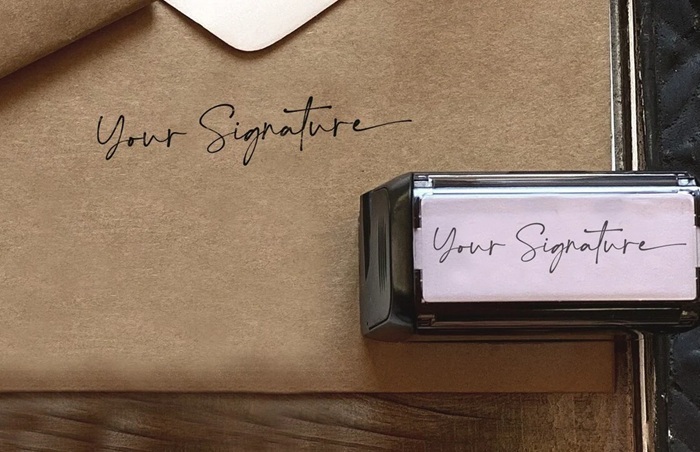
How Do You Prepare a Signature Before Ordering a Custom Stamp?
Write Your Signature Clearly
The first step is to create a clear signature on a plain sheet of white paper.
Use a dark pen, preferably a black ink pen, because it creates a strong contrast between the signature and the paper. Avoid using a pencil or a pen with very light ink.
Write your signature naturally instead of trying to make it look different. The main purpose is to make sure that the final stamp represents your actual signature.
You can write the signature several times on the paper and choose the clearest one later.
Use a Plain White Background
The background of the signature is also important. A plain white sheet of paper is generally suitable for creating a digital image of the signature.
Avoid writing on colored paper, ruled paper, or paper with printed text. Lines and other marks can appear in the final stamp design and affect the appearance of the signature.
If you are using a document that already contains printed information, cut out the signature or recreate it on a clean sheet of paper.
Scan or Photograph the Signature
Once you have selected the best signature, you need to create a digital copy of it.
A scanner can produce a clear image with good detail. If you do not have access to a scanner, you can use a smartphone camera.
Place the paper on a flat surface and take the picture in good lighting. Keep the camera directly above the paper instead of taking the picture from an angle.
Check the image after taking it. The signature should be sharp and easy to see without shadows, reflections, or blurry areas.
Crop the Signature Properly
After creating the digital image, crop it so that unnecessary areas around the signature are removed.
Do not crop too closely to the signature because some parts of the writing may get cut off. At the same time, leaving a large amount of empty space around the signature can make the stamp design unnecessarily large.
The signature should remain clearly visible in the cropped image.
Check the Image Quality
Before ordering the stamp, inspect the image carefully.
Zoom into the signature and check whether the lines are clear. Look for blurred sections, broken lines, dark spots, or other marks that were created during scanning or photography.
If the image is unclear, create another scan or photograph instead of using a poor quality image.
A clear original image can make the preparation process much easier.
Remove Unwanted Marks
Sometimes the paper may contain dust, small dots, shadows, or other marks. These can appear in the final stamp if they are present in the digital file.
You can use basic image editing software to remove these unwanted marks. The goal is to keep the signature while removing everything that does not belong to it.
However, avoid making excessive changes to the signature itself. The final design should still represent the original handwriting.
Consider Adding Your Printed Name
If you want the stamp to show both your signature and your name, prepare the name separately or include it clearly in the design.
For example, a Signature Stamp with printed name can contain the handwritten signature at the top and the person’s printed name below it. This can be useful for office documents, business paperwork, approvals, and other regular tasks.
Check the spelling of the printed name before placing the order because an incorrect name can result in an incorrect stamp.
Conclusion
Preparing a signature before ordering a custom stamp is a simple process when you follow the right steps. Start with a clear handwritten signature on plain paper, create a good quality digital image, crop it properly, remove unwanted marks, and review the final design.
If you need a Signature Stamp with printed name, also check the name and its placement before submitting the file. A properly prepared signature will give the stamp provider a clear design to work with and can help produce a clean and readable stamp impression.